
How to Sync Your La-Z-Boy Wireless Remote
La-Z-Boy Southeast | February 18, 2026
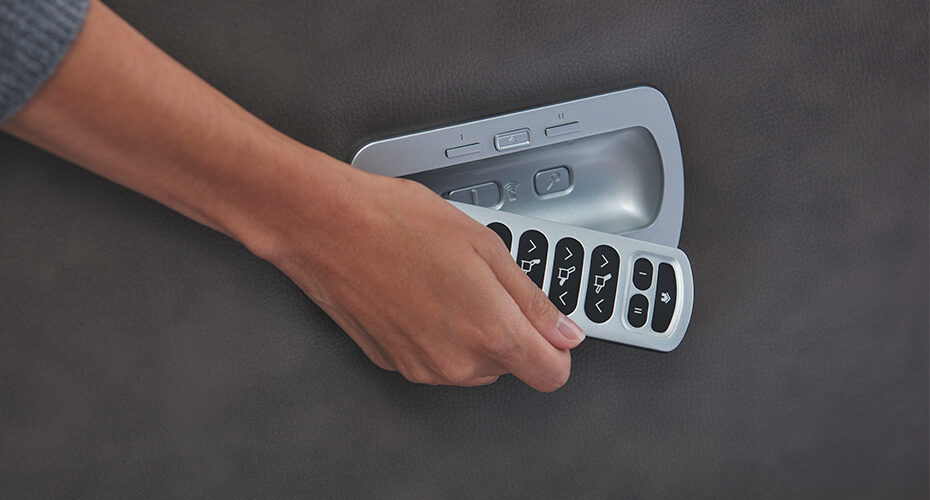
Even the most beautiful La-Z-Boy furniture that comes with a wireless remote can sometimes experience a little technology blip. Here is a short list of the basics to sync your wireless remote to get it working again. Read further and watch our video for more details:
- Turn off Do Not Disturb — If your recliner has a Do Not Disturb button on the side, turn it off before starting the reset process. Newer models may not have this button, so don’t worry if yours doesn’t.
- Unplug and remove all batteries — Unplug the recliner from the wall, then remove the two 9-volt batteries from the battery pack and the batteries from the remote itself.
- Wait 10 seconds and use fresh batteries — Give the chair 10 seconds to fully reset, and make sure you’re reinserting fresh, working batteries before plugging everything back in.
- Reset the remote with a paperclip or safety pin — Locate the small reset hole underneath the remote’s battery compartment, press in until you feel it click, and that resets the remote.
- Sync with the “Find Me” button — Find the magnifying glass button on the side of the chair, press it, and the chair will beep to confirm the remote has been successfully re-paired. If it still doesn’t work, contacting the La-Z-Boy Southeast service department is the recommended next step.
Step by Step Instructions to Sync Your Remote:
Start by Checking the Do Not Disturb Switch
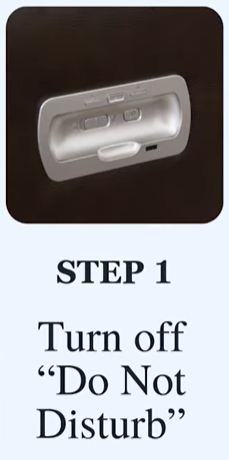
On older La-Z-Boy recliner models, there’s a Do Not Disturb button on the side of the chair. Make sure it’s turned off before you do anything else. Newer models don’t have this button, so don’t worry if yours doesn’t.
Remove All Power From the Chair and Remote
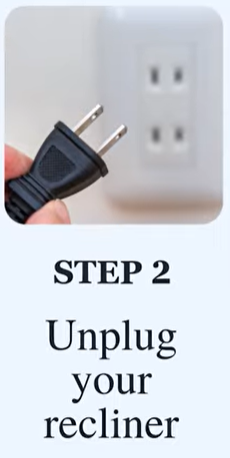
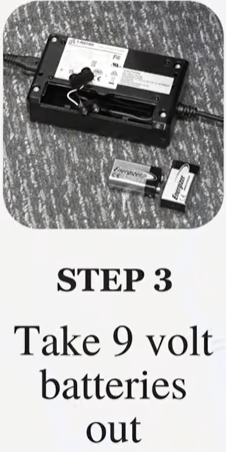
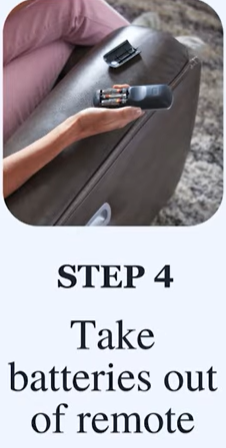
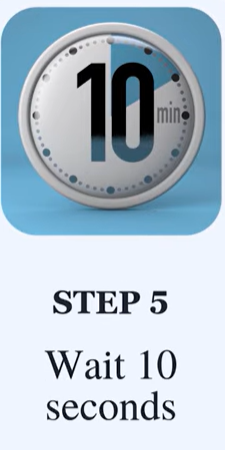
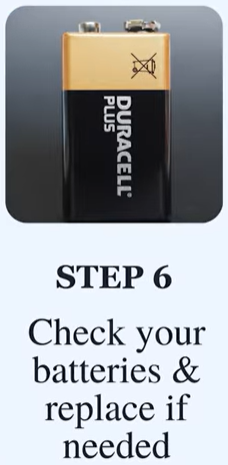
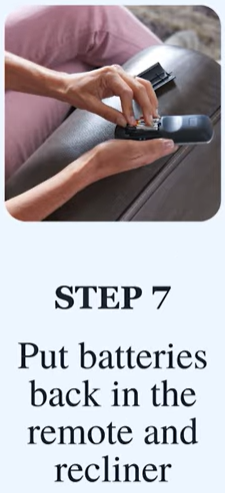
Unplug the recliner from the wall and remove the two 9-volt batteries from the battery pack. Then flip over your remote and take those batteries out too. Wait 10 seconds to let the unit fully reset. While you’re at it, make sure you’re putting fresh batteries back in — weak batteries are a common culprit.
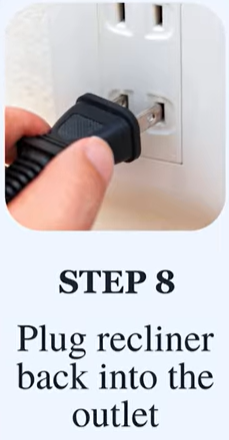
Reset the Remote With a Paperclip or Safety Pin
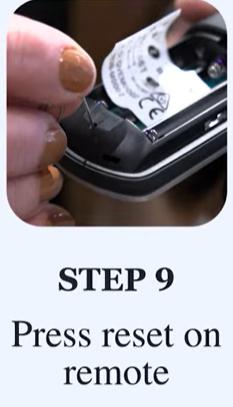
Once everything is powered back up and fresh batteries are in, locate the small reset hole on the back of the remote, just underneath where the batteries sit. Press a paperclip or safety pin into the hole until you feel it click. That click means the remote has been reset.
Use the ‘Find Me’ Button to Complete the Sync
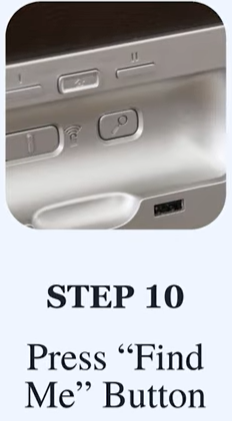
Find the magnifying glass icon on the side of your recliner — that’s the Find Me button. Press it and your chair will beep, confirming the remote has been successfully paired.
Check Out These Additional Resources
We hope this tutorial helped you successfully sync your La-Z-Boy Wireless Remote.
If you’re still having issues, please contact customer care for more help.
Here are some additional online resources you may like to check out:
- La-Z-Boy Wireless Remote: 5 Features & Benefits
- How to Pick the Best Recliner for Me
- Best Furniture for Pets: Leather or Fabric?
We’d be happy to help you bring your dreams to life at any of our locations in NC, SC, and GA.